Adrienne Wilkerson

See Our Blogs

Explore insights on SEO, AI, and digital marketing strategies designed to help your business grow, stay visible, and adapt in a constantly evolving online landscape.

Beacon_Icon_resouse

Geofence marketing and geofencing apps use invisible boundaries to target nearby customers with surveys and coupons and it is an emerging powerhouse marketing technique for small and large businesses.

As a marketer, when I look at the benefits of geofencing technology, I honestly get really, really excited. If you are a business owner or responsible for the marketing and sales in the business you work for, you need to be seriously excited about what geofencing can do for your business. There are just a few reasons you should be excited about this newer technology:

  • Facebook is now offering geofence marketing for their ads! You don’t need a separate app, you can use Facebook!
  • Businesses have reported as high as 70% click-through rates on their geofencing campaigns. That is amazing results!
  • You can reach the user in an exact location at any given time

A recent study included retailers like Starbucks, Toyota, and ASDA to collect data on geofencing technology, its uses, effectiveness etc. In the study, after the customer entered the business or left the geofence area, a targeted ad was shown to them. The campaign resulted in an astounding 60% more traffic to the involved businesses! The study also found that the click-through rate for the ads increased by 40% for retail and 33% for restaurants. Gordmans reported a 200% increase in click-through rates on their geofencing campaign and Hauser-Ross Eye Institute says they have brought in 333% more revenue from their geofencing campaigns and techniques!

One of the challenges in the past has been that you have to get people to opt-in or download a specific app to get the coupons, offers, and other pieces of information you might want to convey with your program. The beauty is that now with Facebook offering this option in their ads, everyone on Facebook has automatically opted in!

Now that you are sold on the geofence let’s talk about some items that can make your campaign as successful as possible!

  1. First off, you want to make sure the content of your offers, coupons, and whatever you are pushing out to people who come into the geofence you set up is relevant, interesting, even addictive. For instance, giving loyal customers a reward when they come into the general area around your retail store would dramatically increase the chance that they will stop by your place and invest more in your products.
  2. Second, you can leverage your location. Sending a targeted offering in the parking lot could steer a customer away from a competitor. You can get even more creative and a florist could target a chocolate or dessert business nearby with the reasoning that if a person is buying chocolate, they might also want to buy flowers.
  3. Third, leverage the hyper-local power of geofencing. As a retailer or restaurant, you can tailor your offers and coupons for local events. A local family restaurant could target the nearby soccer fields during the championships and increase traffic after the matches. Similarly, a local ice cream shop or stand could geofence a local park and push out offers everyone in the park.
  4. Finally, remember not to make your geofence too large. For instance, you will dilute the reach too much if you set it to be the whole city. Instead, be strategic about where you set it and the size. Big enough to include a big enough group to make it worth your while, but not so big that it reaches people that are too far away to make the effort to do something with the coupon or offer. A good rule of thumb is to keep the fence small enough that people can commute to your location in less than four minutes (either by car or on foot). One exception to this rule would be sending alerts about an upcoming special or sale in advance. In that case, you might instead set up a geofence around a competitor’s location or around a place where your customer/patrons frequent, even if it doesn’t have anything to do with your location.

Especially with Facebook adding the option to their targeted ads, geofencing is not something you can ignore these days, especially if you are in the retail or food industries. But I think just about any business can benefit from it if one is creative enough. For instance, a tailor could use a geofence around high-end clothing stores in town, an orthopedic surgeon might target the local tennis park. There are many uses for geofence marketing. We would love to get creative with you and discover how geofencing could help your small business marketing! Give us a call at 907-563-6008 or email us at [email protected].

*Special thanks goes out to Christian for all the help with the research on this blog!

There is frequently a lot of confusion between Inbound Marketing, content marketing, and social media marketing. What are the differences? Are they the same? Which one do I need for my business? How much is it going to cost me?

Believe me, we understand the confusion. The marketing industry has been changing very rapidly for a while now and we don’t see it slowing down any time soon. So before we dive into the nuts and bolts of social media marketing, let me clarify what we mean by each one.

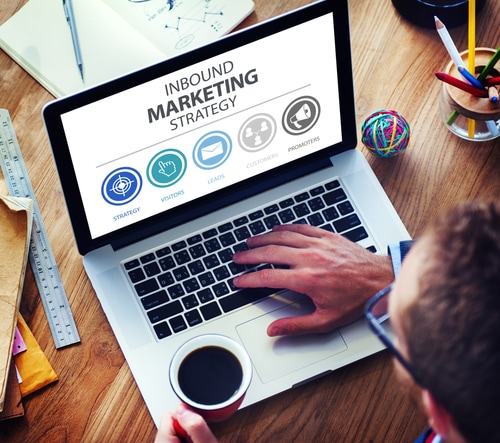
During a study done in late 2014 by Hubspot, it was determined that content marketing is a subset of Inbound Marketing. Content marketing really refers to the development of quality content that delights and engages prospects and builds connection and community. This in turn leads to a more loyal customer. At BEACON, we use content in our Inbound Marketing efforts, in fact quality content is one of the cornerstones of our dynamic and effective marketing efforts.shutterstock_330226388

Likewise, social media marketing is a subset of Inbound Marketing. Typically it refers to the process of publishing, monitoring and analyzing content on various social media channels (i.e. Facebook, Twitter, LinkedIn, Pinterest, etc.)

But let’s get back to the focus of this blog: The cost of social media marketing. We want to give you some big picture numbers and then show you want to expect from BEACON’s team.

Let’s start by looking at some national averages.

Facebook: If you need your your Facebook presence built from the ground up then expect to spend between $2,000-$9,000 per month depending on your location in the country, your goals, and even on the size of the agency. At this price tag, you should expect to get design time for timeline covers and post graphics, custom content creation and strategy, a dedicated account/project manager, regular publishing and monitoring. Basically everything.

Twitter: Again, to start from zero and build everything including: having a page designed, custom post creation, managing messages, responding to comments, actively increasing followers, and engagement management, you can expect to pay between $1,000-$4,000 a month.

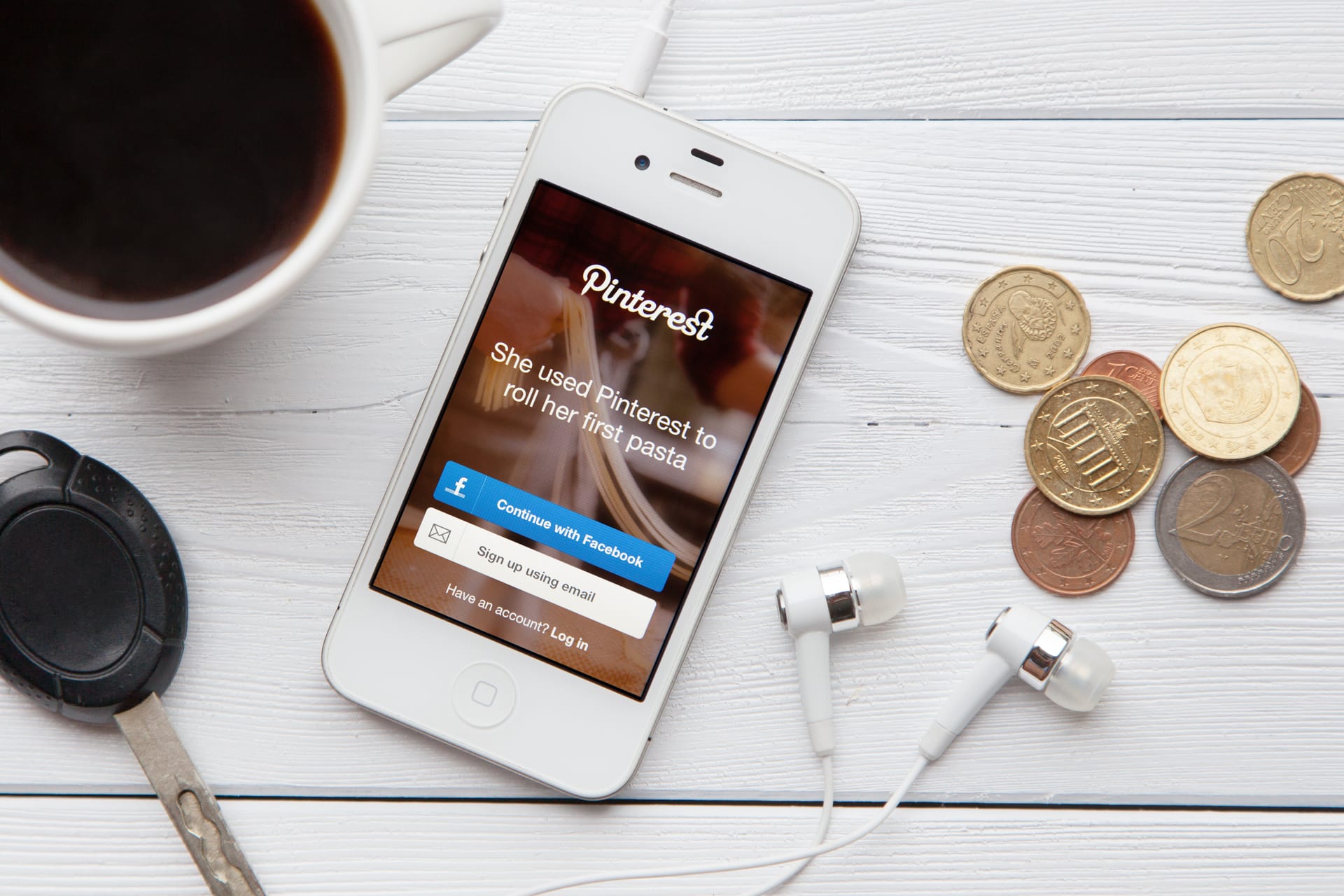
Pinterest: Pinterest is a relatively new social media channel, but it is proving to be a powerhouse for retail clients especially or businesses with a primarily female target audience. To set up an account, curate and post content, manage boards, repin material and respond to comments expect to pay between $500-$2,500 per month.

Social Media Strategy: Many companies will charge an upfront fee of anywhere between $3,000-$20,000 for the initial strategy. The strategy should include research, buyer persona profiles, editorial calendars, branding profile and strategy, a publishing schedule, a commenting and messaging response plan, as well as goals and identifiers for determining the success of the strategy. The strategy should be reviewed and refreshed if needed at least quarterly. Many companies do it monthly. Expect to pay between $3,000-$10,000 for each review.

We think these prices make sense if you are in LA, New York, or London. However, when we work with companies, we encourage them to allocate approximately 7-8% of their gross toward marketing in general. According to recent data from a Forrester survey, on average, companies spend 32% of their marketing budget on Inbound or digital marketing. In our experience, when the annual marketing budget is under about $15,000 a year, companies see the greatest ROI when they spend approximately 80% of their budget on Inbound Marketing. This supports HubSpot’s findings that Inbound Marketing costs 60% less per lead than outbound marketing.

At Beacon Media + Marketing, we focus on keeping our prices consistent with what the local market will bear and what is effective for us and our clients. With that in mind, here is a summary of our social media marketing rates:

Facebook: Our monthly packages include custom content creation, posting 5-8 times per week, monitoring and responding as needed, monthly contests to increase engagement, custom content strategy, management of Facebook ads and promoted posts, monthly reporting on results and analytics, and design services for custom post content and timeline covers. You can expect to pay approximately $1,100 a month for these services.

Facebook Extras: As dynamic as custom content can be on Facebook, it is not enough all by itself. Facebook ads, promoted posts, and promoting the page are all techniques that are critical to a successful page. Based on our experience, we encourage clients to spend at least $200 per month on these extras, but many clients spend between $300-$500 each month. We charge $250 for the initial strategy and then $250 each quarter when we review the strategy.

Twitter: For most of our clients in Alaska, we find Twitter does not have a good enough ROI to recommend its regular use. For those that do, we charge a $250 set-up fee and between $500-$1,000 per month to maintain it. The cost difference depends on the number of custom posts and responses needed to maintain an effective presence for that client.

Pinterest: Many of our clients find this social media channel to by a very effective source of traffic to their website. We charge $300 to set up a Pinterest account and $500 per month to maintain it. Our packages include pinning content from your Facebook page and blogs as appropriate, pinning custom information consistent with the overall social media strategy and goals, repinning content, and responding to comments and messages.

For us at BEACON, effective social media marketing must dovetail with the other pieces of an Inbound Marketing plan to drive traffic to your website. When your website is set-up to pull in visitors and convert them from leads to actual customers then you have the most cost effective marketing system working for you. This is our goal for all of our clients. If you want more information about our websites, check out this blog: How Much Does a Website Cost?

If you want more information on social media marketing, we would love to talk to you. Give us a call at 907-862-1977 or fill click below and drop us a line.

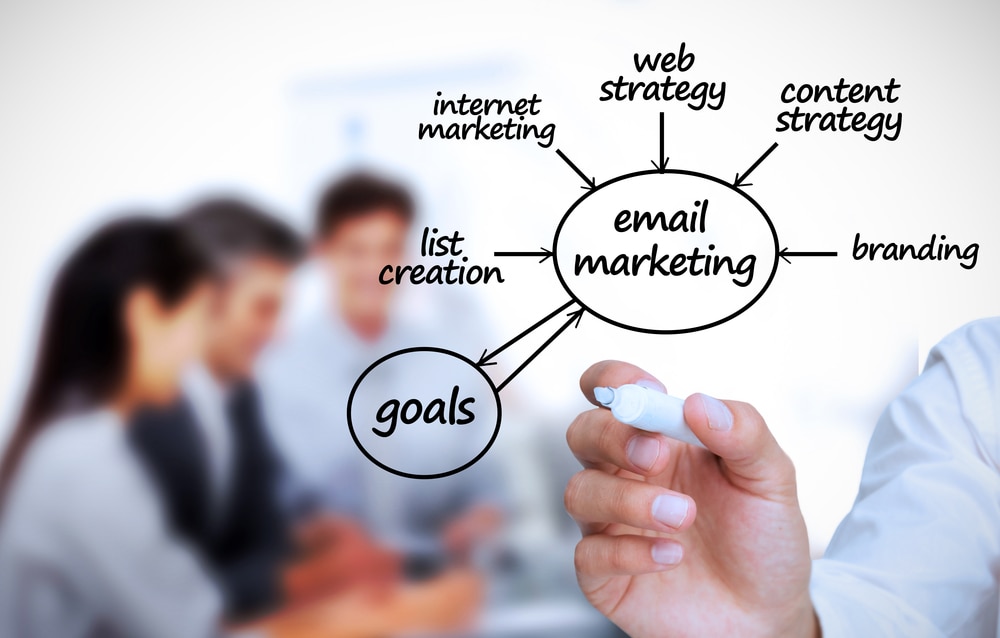
Email marketing is a critical component of a successful Inbound Marketing campaign. It is a tried-and-true method to connect with prospects, clients, vendors. There are as many email marketing software solutions as there are social media platforms and often they are just as confusing. The key is often to find the sweet spot between prices, focus, and support that works for you and your business.

What to Look For

Before you start your research and potentially jump into any number of “free” trials, it is critical that you know how many contacts you have now and what your goal is for contacts. Most companies base their pricing on the number of subscribers and some even go by how many messages you send per month.

What is Your Focus?

Not all software is created equal. You have to decide if visual design or contact management is more important for example. Different software will usually focus on one or the other. Also, keep in mind to look for other elements like offering auto-responders. For instance is it important to be able to set event-based auto-responders like anniversary or birthday messages? Some offer these options, some do not.

To Support or Not to Support?

It’s important to know which type of support you are most comfortable with. If you are looking for 24/7 phone support, you might be surprised how few of these companies offer that. Forums, chat, knowledge bases etc are more common. But when you are stuck and the deadline is looming, waiting for a help ticket to get answered can be frustrating.

So who offers the best email marketing software to help you succeed? Here are our top 5 contenders.
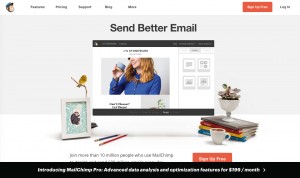
  • MailChimp is well known for being easy to set up and to use, which makes it especially Screenshot 2016-02-07 22.26.43popular for the small business owner looking to get into email marketing for the first time. Their free plans further endear this software to the first timers testing the waters of email marketing. One down side for their free plans though is that they have no analytics tools or auto-responders. We have found it to be frustrating that not only are their reports not real-time, they refresh slowly. On the plus side though they are very creative and flexible with their pricing plans.
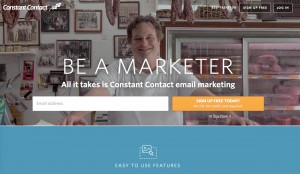
  • Constant Contact is one of the most recognizable names in email marketing Screenshot 2016-02-07 22.25.21software.They do a great job of taking a lot of the mystery out of the process. Their templates are professional and they offer some great support. Constant Contact offers some of the most robust features including Google Analytics integration, great signup forms, easy import of contact from Gmail and Outlook, and an easy-to-use editor. Many find this software expensive, some feel it is worth it for the features offered so it really depends on what you value. Some review sites have reported that the dashboard is glitchy, but this has rarely been our experiences. Sadly the auto-responder is limited, but again, this may or may not be a problem depending on what you are looking for.
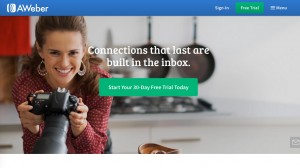
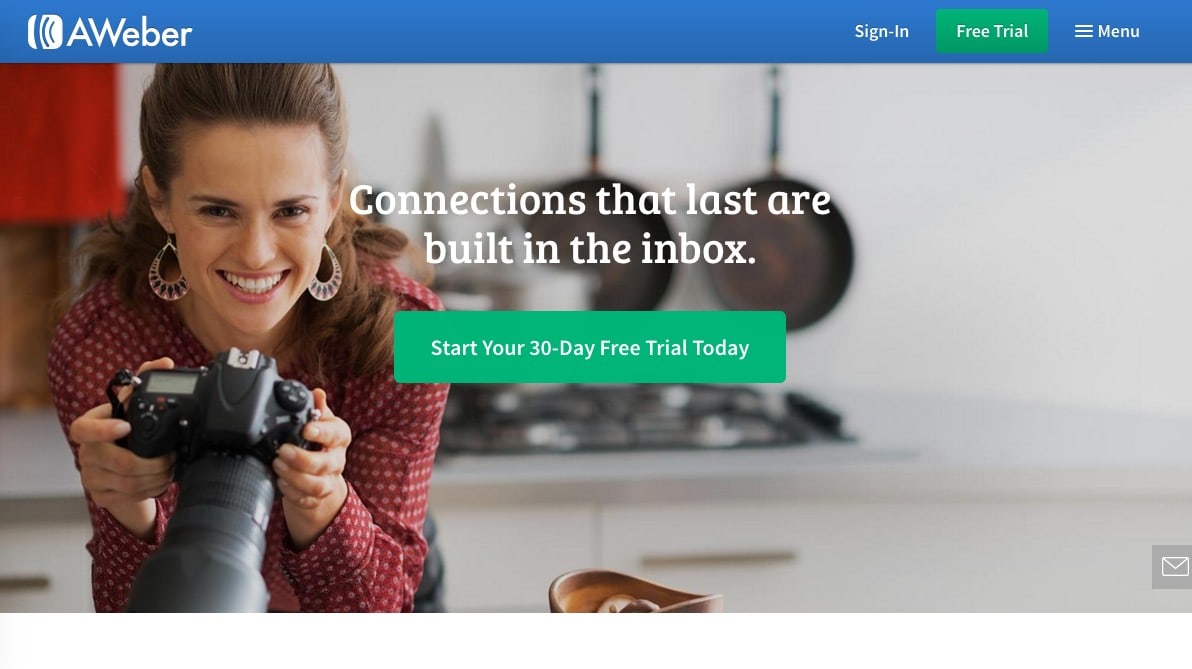
  • AWeber offers no-frills functionality and great flexibility in managing your contacts and Screenshot 2016-02-07 22.23.08customizing your email templates. We believe AWeber deserves a look for it’s no-fuss interface and unlimited email offering. The plans are affordable and we love the extensive reporting features. What we didn’t like was the lack of third-party integration. There was no way to import Gmail or other third-party address books. And while we liked the provided reporting features we believe it’s a huge miss on their part to not integrate Google Analytics. 
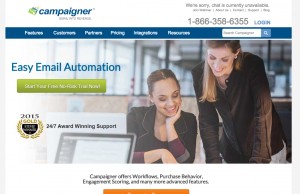
  • Campaigner won PCMag’s Editor’s Choice late in 2014 for best advanced email marketingScreenshot 2016-02-07 22.21.29 software. It is a well-designed and easy to use systems. Their templates are not only attractive and professional, they are mobile friendly. Unlike some, Campaigner offers 24/7 phone support. PCMag found it to have issues importing from Gmail and while the free trial was generous, overall it came in on the expensive side.
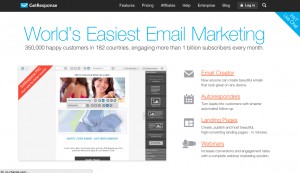
  • GetResponse is a solid, easy-to-use service that offers good third-party integration and a host of advanced features. Their free trial is Screenshot 2016-02-07 22.20.07full-featured, which gives you ample time to do an honest test drive, which is good considering they offer no refunds, not even on annual plans. GetResponse does have great Google Analytics integration as well as tracking tools. Some uses have reported sign-up glitches and the inability to view individual subscriber profiles, which is troubling.



We recommend giving these various software options a try and seeing if there is one that works for you. Remember that before you launch your first email, that it is vital to have a plan, a strategy. For that, we recommend checking out our blog “Best Email Marketing Practices for 2016” for some tips and tricks to stay on track. Or give us a call at 907-563-6008 or drop us a line, we would love to chat about how email marketing can be a powerful part of your marketing mix.

We very frequently get asked by small and medium sized business owners if they should keep their ad in the Yellow Pages. 95% of the time our answer is no, there is really no legitimate reason to have an ad in the printed phone book. At one time the Yellow Pages was the go to place when you needed help and didn’t know who to call. In fact many of us still remember the popular phrase “Let your fingers do the walking!” Check out this commercial from 1970.

Phone books were a mainstay in every home in America and grew to be so huge that they could arguably be considered a lethal weapon and were frequently used to demonstrate feats of strength by tearing them in half! Until the mid 2000’s, if you wanted your business found, the Yellow Pages was one of the best methods for getting your business found. However the almost overnight phenomenon of the Apple iPhone in 2007 and then the Android version, the HTC in 2008 was the beginning of the end for printed phone book. According to recent PewCenter research over 90% of US adults have cell phones and their fingers are still doing the walking, but now they are typing search terms into Google.

But the question still comes up, should I advertise in the Yellow Pages? Honestly, every time I want to ask when was the last time you actually saw a Yellow Pages book outside of a strong man competition? Exactly!

So here are 5 reasons why you should drop your Yellow Pages ads like hot cakes.

  1. It’s Expensive! Yellow Pages used to have a strangle hold on businesses and convinced them their phone ringing depended on the size of their ad. After all, if you weren’t in the phone book, you weren’t credible. Honestly, when I started Beacon Publishing & Design, LLC in 2001, I had several well respected business people tell me this. They weren’t all wrong back then. The sad result of the Yellow Page’s self proclaimed monopoly was that they could charge outrageous prices for their ads. Now we have much, much better avenues open to us for our advertising dollars. Google AdWords, Facebook ads and promoted posts, and Twitter ads just to name a few.
  2. You are committed to a full year. Once that mammoth book is printed you are committed to that ad and the price tag that came with it for a full year. There is no opportunity to change, update or adjust any advertising you have invested in. In contrast, inbound marketing is flexible and adjusts on the fly, if needed, to the way your audience is responding. Not being locked into print means you have more capacity to adjust services, hours, products, staff and so much more. You don’t have to live with an ad that is outdated two months after it goes to press.
  3. The Yellow Pages system is outdated and does not work for most of today’s consumers. Now it’s more about our thumbs doing the walking and not through that huge book anymore. According to a recent study Google owns 89% of the US mobile organic search market and more than 1/2 of Google searches come from mobile. Why would and number of the 90% of Americans who have a smart phone, put it down to pick up the Yellow Pages? Unless they were actually competing in a strong man competition that is. We already have our mobile devices in our hands and we are going to use the tools at hand to search for things we want or need.
  4. The ROI (Return on Investment) on Yellow Pages is terrible! Most businesses struggle to track where their leads come from and having an ad in the phone book is just making the whole problem more difficult. When we use inbound marketing techniques, we can track exactly where leads come from and where they are going. Often we joke with clients that we can track the leads directly to their door. Using tools like Google Analytics, HubSpot, Facebook Analytics, Twitter Analytics, and Pinterest Analytics, we know exactly when a specific lead starts to interact with your company, when they visit your website, what they look at and when they fill out a contact form or click on the phone number button on your website. Those are some powerful tracking tools that take all of the guess work out of the ROI of inbound marketing!
  5. You can still get a FREE listing on YP.com. But Yellow Pages has evolved you say. They have YP.com and an app now you say! Shouldn’t I still advertise with them you ask? Don’t be fooled, a listing with YP.com that gets updated on their app is still free just like the old days when a single line phone number in the book was free when you signed up for a land line. It doesn’t hurt anything and can help some of your search engine rankings to be listed with YP.com, you just don’t have to buy a very expensive ad and be locked in for a long time anymore.

The bottom line is that the days of the Yellow Pages phone book being a viable option for current small and medium businesses are long gone. If you are a company looking for the best ROI for your budget inbound marketing is a much more effective marketing technique (60% cheaper than traditional methods). Give us a call at 907-563-6008 or send us an email for a free marketing evaluation or just a chat about a smarter, more effective marketing technique. We would love to hear from you!

How is Pinterest Changing the Online Shopping Game?


You may be aware that earlier this year Pinterest went from being a dangerous time warp, to an addictive online shopping experience, with the addition of buyable pins. The page has just added a new feature that will affect the wallets of Pinners all over the world. If you are someone who cannot pass up a good deal, be warned, Pinterest now can send you app notifications and emails when the price drops on your pinned items. Retailers are able to add this “buy” button to their pins which enables the users to purchase straight through Pinterest.

Pinterest is continually evolving their website’s usability, creating a new kind of shopping experience. The “buy” button feature is targeted toward a customer that may not make impulse buys, but would rather monitor the product and wait for a killer sale. However, the impulse shoppers are not forgotten; if a Pinner enters in their credit card information and address, they are able to make instant purchases anywhere on the app. Turning online shopping into a quick, affordable, and fun experience. 

This buyer friendly feature also entices the customer to return to their pins over and over, which increases the site visits for Pinterest. The shopping experience is a changed game and Pinterest is on the forefront of it. Companies and retailers should take advantage of this creative site and its 70 million users. This can be done by creating profiles and boards to advertise their products and services.

The more creative you make your posts, the more pins and shares they will likely get. Before you know it your product could be posted on thousands of users’ boards, with a strong likelihood of high conversions due to the addition of the new “buy” button.

Social Media is expanding at a constantly increasing pace. It’s hard enough to keep up with the variety of platforms and the different ways that you communicate on them. Then you add in the need to create advertisements for each of them in the mix and suddenly your day is lost in front of your computer screen creating similar ads over and over.

Luckily, Facebook has just started rolling out a fantastic advertising tool that will save you a lot of time and trouble. Using Facebook’s Ad tools you can now create ads for Instagram as well!

If you haven’t heard of Facebook Business Manager yet, then you need to check it out. There’s a link at the bottom of the page for you to sign up and all you have to do is enter some basic information, select the account you want it linked to and you’re about ready to roll. Social Media Examiner has a great tutorial if you want a more detailed walk-through and help setting up the account.

You don’t need to have a Business Manager account in order to create Instagram ads on Facebook, but if you do then you can link your Instagram account to it and be able to respond to comments that you receive on the ads. If you opt not to create a Business Manager account then your Instagram ads will display with your Facebook name instead of your Instagram handle and it won’t be clickable.

If you have Business Manager
Go to Ads Manager.
Click the Create Ad tab at the top right of the page.

If you don’t have Business Manager
Go to the Ads Manager.
Click on the green Create Ad button at the top right of the page.

This will bring you to the standard Ads Manager in your Business Manager. Hovering over each of the listed options will tell you what they do as well as whether or not they work with Instagram. Choose the one that best suits your needs.

Now you can get to work creating your ad.

  • Select your objective.
  • Choose your audience. If you already have saved audiences, you’ll see them here.
  • Set your Ad Budget and schedule. You’ll want to experiment with a variety of combinations to see what works best for each goal.
  • Create your ad!
    • You can choose to have a single photo or video or a carousel of images. Make sure that you see Instagram listed as an active placement option.
    • Select your images or video. Scroll down to check what it will look like with each of your placements. Poorly optimized images never look good.
  • Configure your ad display.
    • If you have Business Manager                                             
      • Your Instagram account will automatically be selected.
    • If you don’t have Business Manager
      • You will have the option to add your Instagram account or you can simply use your Facebook page.
    • If you only want this ad to appear on Instagram, simply deselect the other options.
  • Run your ad!
    • When you have everything looking good, click on the green Place Order This will submit your ad to Facebook for review. If it’s approved it will start running with the schedule you selected.
  • Respond to comments.
    • Once uploaded the Instagram ad won’t appear on your profile, but it can be accessed with a permalink.
    • If you have Business Manager                                             
      • In Power Editor, under the Ad Links you should see View Instagram permalink with comments.
    • If you don’t have Business Manager
      • The permalink can be found under the Ad Manager Dashboard. Select your campaign, the ad set, and click the ad. You’ll see a little eye icon. This will lead you to an ad preview and the permalink.
    • Review Insights.
      • Make sure to visit Ads Manager to keep an eye on your ads’ performance. Click through the campaign to see a breakdown of results by placement. This will allow you to tailor future campaigns more effectively.

That’s it! If you were already creating ads in Facebook, then most of this process should be familiar to you.

You will need to be aware of some Instagram Advertising Guidelines.

Most of their guidelines are the same as Facebook’s but there are some additional ones.

  • You are not allowed to repurpose images. This includes images used in previous ads.
  • No heavy use of image filters.
  • No text is allowed on ad images.
  • No gimmicks.
  • No logos on the ad. The exception is if a logo appears on a product in a natural way.
  • No shocking images.
  • Nothing too cheesy and way off from your brand.
  • Try to use existing hashtags that are already popular.
  • Ads should focus on moments, not staged products.

Integrating these two platforms isn’t just a huge timesaver for many business owners. Creating these ads in one place also allows you to see view the performance of the ads all in one spot as well.

We’re really excited to begin using this tool to help our clients expand their reach, save time, increase the efficacy of their advertising dollar, and improve their ad targeting across multiple platforms. If you would like to learn more about how we help businesses navigate Social Media, contact us today!

Nowadays there are a number of automatic website builders out there, where you can login and make your own website. They tout things like: “Get an automatically optimized version of your website for mobile in just one click” or “Everything is customizable”. And some of them will do it for free!

So why hire a professional web developer for your business instead of using one of these services?

1) SEO (Search Engine Optimization)

Most of these websites are barely optimized at all for a search engine like Google. This means that if you want visitors to hit your site, you’re going to be fighting an uphill battle. Google has a bot that hits each site it visits and reads through all the data to see what your site is about. And if it finds content that is relevant to what someone has searched for, it returns a link to your site for that person. But the coding behind many of these site builders is not kept up-to-date. They are focused on making it easy to use, not easy for Google to see.

A professional web developer builds your site from the ground up with the absolute current requirements of search engines like Google, Bing, or Yahoo. And there are hundreds of little tweaks that can make sure you look the best to search engines. These are all very important, and they are things you don’t get with these automatic site builders.

2) Keep your Content Safe

Have you ever written a long email to someone with lots of important details… only to have your email program crash and you lose all of it? Many times while working with these builders, you’ll find that one mis-click of a button deletes all the content of a page, or an entire section that was important for your website.

Another way this shows up, is when you’re blogging. Although some sites allow you to create new articles in a blog format, many still don’t. And you end up rewriting the same page of content over and over again in order to keep your site fresh and up-to-date (which is the #1 most important detail for search engines). This is hardly an efficient way of running things.

A professional web developer will use a content management system (CMS) that will keep all of your data backed up, with historical information (like if you change a static page), as well as have full featured archive systems for any user to find articles that you’ve written over the course of your websites life. This provides more entry points for Google and other search engines to bring new visitors to your site.

3) Your Time is Money

These automatic web site builders like to tout how fast and easy it is to do this yourself. But the facts are the same with any of these things you do yourself: they cost you time. A lot of time, that you could spend on your business instead of on Marketing, updating content your website, or researching current internet trends to stay on top.

This is another way that a professional web developer will save the day. They know all about the current trends because it’s their whole business. They can do it faster than you can, and they’ll do it more thoroughly, while you take care of what YOU are good at: your business.

It’s a fair question. Regardless of how good our work is, it’s always possible that we’re just not the right fit with some companies. So let’s say you’ve started working with us, but now that some time has passed, you want to switch to one of our competitors. How do we handle that?

It’s Your Data, Not Ours

First of all, one of our core values is transparency. Which means whenever you want full access to the online data we have built for you, you just have to ask (we’d give it right away, but most client’s don’t want to be bogged down with details they don’t need).

But this means that your online hosting account, and your administrative login to the background CMS, and anything else that we have of yours, we turn over instantly. More importantly, all of your account data that resides online is built in such a way that it can easily be turned over to you or your new marketing company. And we won’t hold on to any of it. After all, it’s your data, not ours.

Some examples of this kind of data are your Facebook Page, Google+ Page, Youtube channel, Google Analytics, Google Adwords, WordPress Admin, Domain Registrar, and Hosting account.

How is This Different Than Other Marketers?

A lot of companies will aggregate all of their client’s data into one big pot. It makes it easier for them to manage it in some cases, and it’s just sloppy in others. But all-to-often, it’s done because if you leave them, then all of your marketing efforts get reset when you do.

That’s not the case with Beacon. We strive to build an online presence for you, an entire persona that your customers get to know you by. And if a client decides to transition away, we want to make sure that all of our efforts in their behalf don’t go out the window. You paid for us to work for you, so even if you leave, the work we did for you stays.

It’s also really good for you because you don’t lose any historical data this way. Your new marketer will be able to see everything that we tried: what worked, and what didn’t. And that way you can see for yourself what marketing tactics are working for your company over time.

Frankly, any company that isn’t willing to share that kind of data, is clearly trying to hide something about what they were doing. We’ve got nothing to hide.

Alaska’s economy is often referred to as a “3 legged stool. Which means, jobs customary to Alaskans can fit into three primary categories, or “legs”; Petroleum, federal government, and all other sectors. What this means for those of us who have jobs that do not depend on petroleum or the federal government make up the third part of our economy, which is just about equal to that of gas/oil or government alone! According to the Institute of Social and Economic Research at the University of Alaska Anchorage, about 31% of Alaskan residents work in the petroleum sector, while 35% work for the federal government, leaving 34% for all other sectors combined. This economic system has worked great for us in the past; however, with changing times we need to begin diversifying our economy because the petroleum will run out in time.

As stated by AlaskasEconomy.org, we, as Alaskans, have a choice of two paths: a slow decline or a stable and sustained growth. On one hand we use Alaska’s natural resources to generate short-term benefits and forget to think about the future generations of Alaska. The economy will slowly decline as investment in new opportunities decreases. Businesses will struggle to stay afloat, Alaskans will leave due to the lack of job opportunities, and property values will drop as well as many other negative effects. If we take action to diversify our economy, we can see a much brighter future for our state where there are new jobs and thriving businesses.

How can we begin to diversify?

Now that we’re advanced in technology, it opens many opportunities for economic growth. Many jobs are currently done from remote locations, like inbound marketing. Individuals can train themselves from home with many online courses & blogs on the subject manner. This also includes events, such as the Alaska Inbound Marketing Summit where you can learn and develop your skills within social media and inbound marketing from the experts — including network opportunities. This is a perfect time to dive into this new and exciting shift regarding businesses.

That’s right, your wishes have been granted. You can now buy things directly from Pinterest!

As a customer, this makes things so much easier. Every pin accompanied by a blue price tag is available for purchase. You can even see color availability directly on the app! Once you decide to buy something, just click the buy button and pay with Apple Pay or your credit card. After you enter your personal information it will be saved in the app for your next purchase!

As for security, Pinterest is working with experienced payment processors to keep your credit card information private.

You will be able to purchase items from your favorite retailers such as Macy’s, Neiman Marcus, Nordstrom and several Demandware and Shopify stores! Being a 5 billion dollar social media platform, Pinterest allows users to save, share, and comment on your products and ideas. Pinterest has also been found to be the second largest source of traffic to Shopify and, on average, pinners spend about $50 per order. Another thing – Pinterest doesn’t take a cut from your sales and you can handle shipping and customer service as you always have.

For Shopify users specifically, it is very easy to start using this new feature. Simply log into your account, add the Pinterest channel and enable Buyable Pins from there. As for Demandware users, you will need to contact your Demandware success manager to learn more about your prospects.

All others who are interested in Buyable pins can sign up for a waitlist for future updates and opportunities. As of right now this feature is only available in the US; for iPhone/iPad users, the update will be available within weeks. Android or desktop users will see the upgrade in future releases. If you want to learn more about Pinterest, feel free to contact us!

It’s Thanksgiving weekend, always a good time to reflect. What amazes me is that three years ago Jennifer and I met for the first time. Some of you may have already heard this story, but I never get tired of telling it. You have to understand how small Anchorage is; we have two degrees of separation here on a good day. So Jennifer and I should have met many, many times before we did. Her children went to the school I coached volleyball at; one of her daughters was even in my mother’s classroom. We knew so many of the same people, but strangely our paths had never crossed, until October of 2011.

Neither one of us had any idea that our meeting would change the course of both our lives as dramatically as it has, in fact at the time both of us just believed it to be a funny coincidence. But by the close of 2011, we both agreed that it was much, much more. Our paths had been on a collision course for far longer than either one of us knew.

We knew our industry was changing dramatically but we were stuck because each one only had ½ of the equation. It only took a few months of working the two sides of client projects to figure out that together we could have something dynamically stronger than either one of us were doing on our own. So five short months after meeting for the first time, our two companies, Beacon Publishing & Design and Amazing Grace Media merged to form Beacon Media + Marketing (BeaconMM). What followed in the almost three years since has been nothing short of miraculous!

Truth be told, fact is stranger than fiction in our case. In the first 9 months alone, BeaconMM survived events that often put businesses six feet under. Couple that with the historic and earth-shattering changes in our industry and you have a recipe for a much steeper learning curve than either of us anticipated. But thanks to some very loyal staff and clients, understanding vendors, and huge amounts of support from family members, we have grown and are stronger than ever.

Sure, I’ve always had the vision to own and run a company with global reach, but until that day when Jennifer and I realized what a dynamic team we were TOGETHER, I had no idea how that dream was going to become a reality. It might have started with us, but we knew from the beginning that to effect change in our industry and the businesses we work with we needed a team!

Our vision has always been to form real and meaningful partnerships with our clients; to support their businesses as they support ours, to grow together. We own our own business to be able to work in an environment of openness and honesty. Our clients and our staff have challenged Jennifer and I to be better leaders, better businesswomen and better people. I am so thankful for their honesty and willingness to walk through this journey with us.

10333244_701873353242467_8592427936553736892_o

Now, only three short years into this adventure, I am floored and overwhelmed with thankfulness and yes-even joy at what a gift I’ve been given. The gift is not just the business, it is the people that I get to learn with, growth with, make mistakes with, and celebrate great victories with. In truth I am awed by the opportunity I’ve been given to work with so many amazing people and I am beyond excited for what 2015 and beyond holds for all of us!